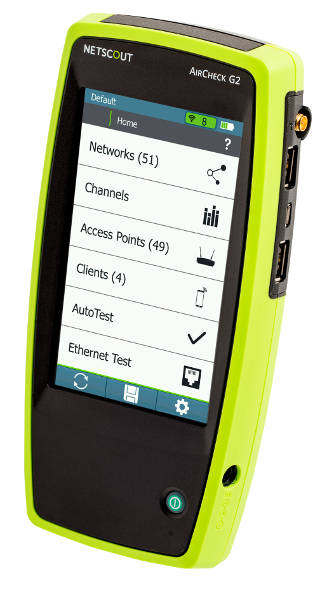
NETSCOUT presents AirCheck G2, which allows you to check the data connection speed of access points in less than 15 seconds after powering on the analysis tool.
When you select the network to check, the list of access points on the network is displayed, allowing you to select an access point to immediately view its connection speeds. These speeds are shown in Mbps and include 1, 2, 4, 5.5, 6, 9, 11, 12, 18, 24, 36, 48, and 54 Mbps. These speeds represent the base speeds (the speeds a client device must use to connect) and the extended supported speeds.
To improve network performance for all devices, you can disable the slowest speeds on your access points. For example, some scenarios require 802.11b peripherals that need speeds of 1 Mbps. Conversely, for older devices, this doesn't need to be considered; you can set the lowest speed between 11 and 24 Mbps. Similarly, consider the density of access points when setting the slowest speed. If the access points are relatively far apart, set the minimum speed to 11 Mbps so that peripherals within range can still connect. If the access point density is high and they are close together, you can also set a higher minimum speed, such as 24 Mbps.